
CANExplorer
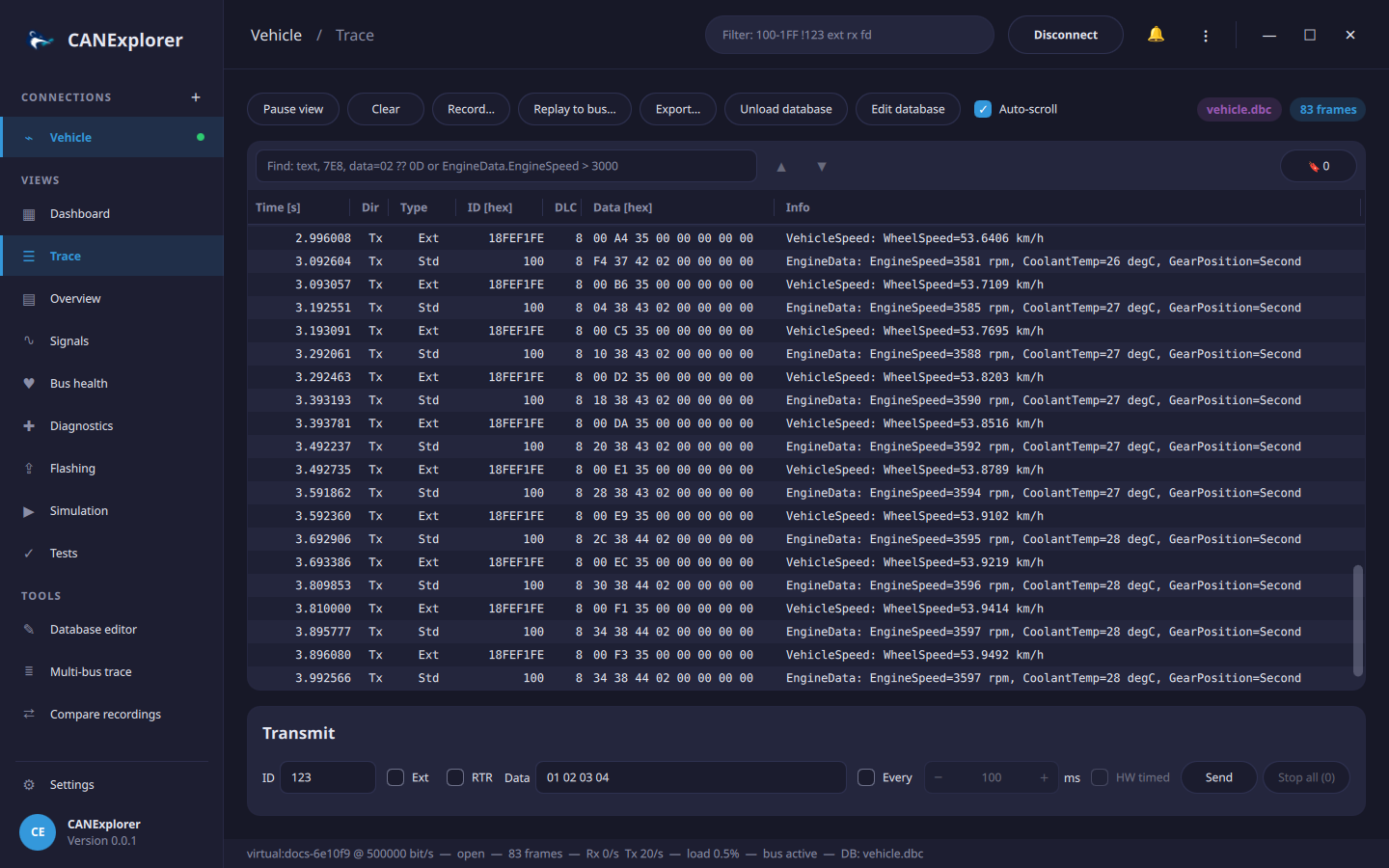
CANExplorer is a cross-platform tool to monitor, analyse, diagnose and simulate CAN, CAN FD and LIN buses. It runs on Linux, Windows and macOS with any interface supported by python-can, and without hardware on a virtual bus.
Features
-
Monitoring
Trace and per-identifier overview, display filters, bus load and error statistics, pause, copy and export.
-
Signal databases
Decode signals with DBC, BUSMASTER DBF, AUTOSAR ARXML, KCD, SYM and LIN LDF files, plot them live and convert between the formats.
-
Recording and replay
Record to ASC, BLF, CSV, LOG, TRC, SQLite and MF4 files, replay them with their original timing and compare two recordings.
-
Diagnostics
UDS over ISO-TP and the LIN transport layer, with DTCs, security access, CANdelaStudio CDD descriptions and ECU flashing.
-
Protocols
Decoding of ISO-TP, UDS, J1939, CANopen and LIN; J1939 network and trouble code tools, a CANopen master and LIN master schedule tables.
-
Simulation and scripting
Simulated bus nodes in Python and control panels in QML, like CAPL nodes and panels.
Where to start
- New to CANExplorer? Follow the quick start: it needs no hardware.
- Looking for a specific feature? The user guide describes every part of the application.
- Writing simulation scripts or panels? See the scripting API and the QML panel API.
- Working on CANExplorer itself? Start with the architecture.
CANExplorer is open source, developed on GitHub.