Signal databases
A signal database names the messages and signals of a bus. With a database loaded, the Info column shows the decoded signals, signals can be plotted, and simulation scripts can send and receive by name.
Supported formats
| Extension | Format | Load | Convert to |
|---|---|---|---|
.dbc |
Vector CANdb++ DBC | ✓ | ✓ |
.dbf |
BUSMASTER database | ✓ | ✓ |
.arxml |
AUTOSAR system description (3.x and 4.x) | ✓ | |
.kcd |
Kayak KCD | ✓ | ✓ |
.sym |
PEAK PCAN Symbol | ✓ | ✓ |
.ldf |
LIN description file | ✓ | |
.cdd |
Vector CANdelaStudio diagnostic description | ✓ (Diagnostics) |
DBC, ARXML, KCD and SYM are read with cantools, DBF and CDD with readers of CANExplorer, LDF with ldfparser.
Loading a database
Load database… in the toolbar loads a database for the current connection; Unload database removes it.
Each connection has its own database. A .cdd file loaded this way becomes the diagnostic description of the
connection and leaves the signal database unchanged.
The Info column then shows, for example:
Value tables are shown with their texts (GearPosition=Second), multiplexed messages with the signals of the
active multiplexer value.
Databases with several buses
ARXML system descriptions and KCD files may describe several buses (clusters) that reuse the same identifiers. A connection decodes with the messages of one bus:
- When exactly one bus has the bitrate of the connection, that bus is selected when the database is loaded.
- Otherwise, or to change it, pick the bus in the selector next to Unload database. All buses uses the first definition of each identifier.
ARXML container frames
Container I-PDUs (several PDUs with headers in one, usually CAN FD, frame) are decoded into their contained PDUs:
The signals of contained PDUs are listed and plotted under the PDU name, e.g. StatusPdu.AliveCounter.
Editing databases
The database editor changes the messages, signals and nodes of DBC, DBF, KCD and SYM files (and of ARXML files, saved in one of those formats). Edit database in the toolbar opens the database of the connection; saving it updates the decoding.
Converting databases
⋮ → Convert Signal Database… (also on the welcome page) converts between the formats with ✓ in the table above. Choose the source and the destination file; the format follows the extension.
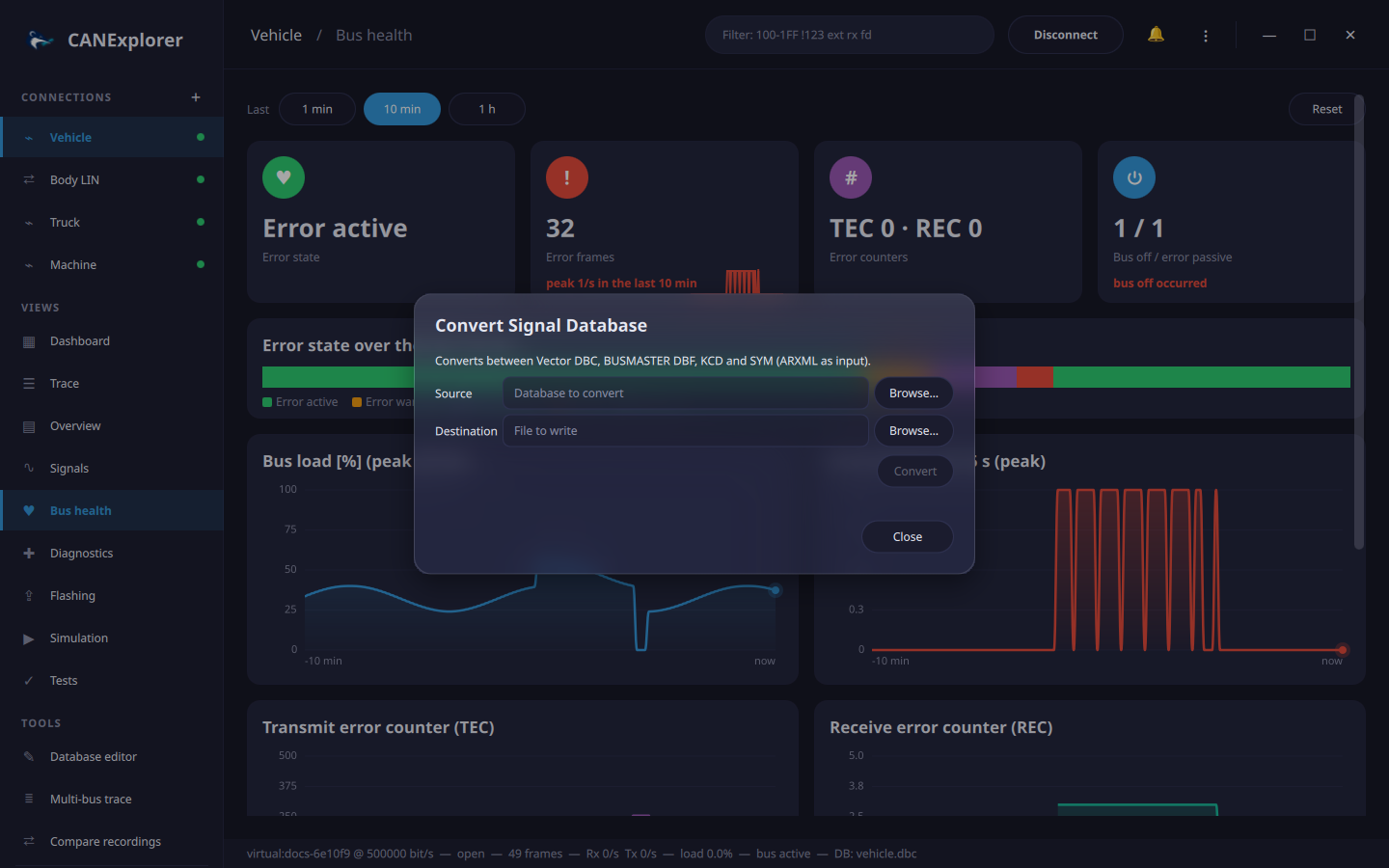
The summary lists what the target format cannot hold, for example:
- several buses merged into one, with identifiers that clash,
- container frames written without their contained PDUs,
- cycle times and attributes that BUSMASTER DBF does not store.
The same is available on the command line, including converting a single bus; see can-db-convert.